Gadget Buying Guides

Straightforward buying advice for US shoppers. Each guide explains what to check and why, so you can choose technology with confidence.

How to Choose Smart Home Gadgets

Start by deciding what you actually want a device to do for you, then match the technology to that job.

Read this guide →

What to Check Before Buying Connected Devices

A short checklist that catches compatibility, security and support problems before you spend money.

Read this guide →

Understanding Smart-Home Compatibility

Matter, Wi-Fi, Bluetooth and voice assistants - what works with what, and why it matters.

Read this guide →

Choosing Wireless Accessories

Battery life, comfort and connection quality matter more than brand logos when buying wireless gear.

Read this guide →

Smart Gadget Setup Considerations

Good setup planning saves hours of frustration. Consider placement, network and accounts before you begin.

Read this guide →

Charging & Power Accessory Considerations

Wattage, cable quality, wireless charging and safety basics for power accessories.

Read this guide →

Electronic components and circuit boards for smart home development

How to Choose Smart Home Gadgets

Start by deciding what you actually want a device to do for you, then match the technology to that job.

  1. Write down the routine you want to improve, such as turning off lights or heating a room before you enter.
  2. Choose one category first - lighting, plugs or sensors - instead of buying several different device types at once.
  3. Confirm the device works with the app, voice assistant or hub you already own.
  4. Compare ongoing needs like replacement bulbs, batteries and firmware updates, not just the purchase price.
  5. Read a few independent reviews to see how the setup experience works in real homes.
Person researching connected device details on a laptop

What to Check Before Buying Connected Devices

A short checklist that catches compatibility, security and support problems before you spend money.

  1. Check which smart home protocol the device uses: Wi-Fi, Bluetooth, Thread, Zigbee or Matter.
  2. Verify the app works on the phone you use and that setup does not require extra hardware you do not have.
  3. Look at how the manufacturer handles privacy and where video or sensor data is stored.
  4. Confirm ongoing support: are security updates promised, and for how long?
  5. Check the return policy and reviews for device failures, which is especially important for cameras and hubs.
Person comparing smart home compatibility and settings on a laptop

Understanding Smart-Home Compatibility

Matter, Wi-Fi, Bluetooth and voice assistants - what works with what, and why it matters.

  1. Know the ecosystem you are building around: Apple Home, Google Home, Amazon Alexa or another platform.
  2. Look for the Matter logo where possible - it is designed to let devices work across ecosystems without extra bridges.
  3. Understand that Wi-Fi devices need a strong signal, while Zigbee and Thread devices usually need a hub or border router.
  4. Check that voice assistant commands you rely on are actually supported for a specific device.
  5. Buy within one ecosystem to start; expand to cross-platform devices only when you understand the trade-offs.
White wireless headphones with a premium finish

Choosing Wireless Accessories

Battery life, comfort and connection quality matter more than brand logos when buying wireless gear.
  1. Decide between headphones, earbuds or a dedicated device based on where you will use them.
  2. Check battery life for real usage, including how much time you spend commuting or taking calls.
  3. Test or read about comfort - the best-sounding device is useless if it is uncomfortable after an hour.
  4. Prefer models with multipoint pairing if you switch between a phone and a laptop during the day.
  5. Verify the Bluetooth version and codec support match what improves audio on your devices.
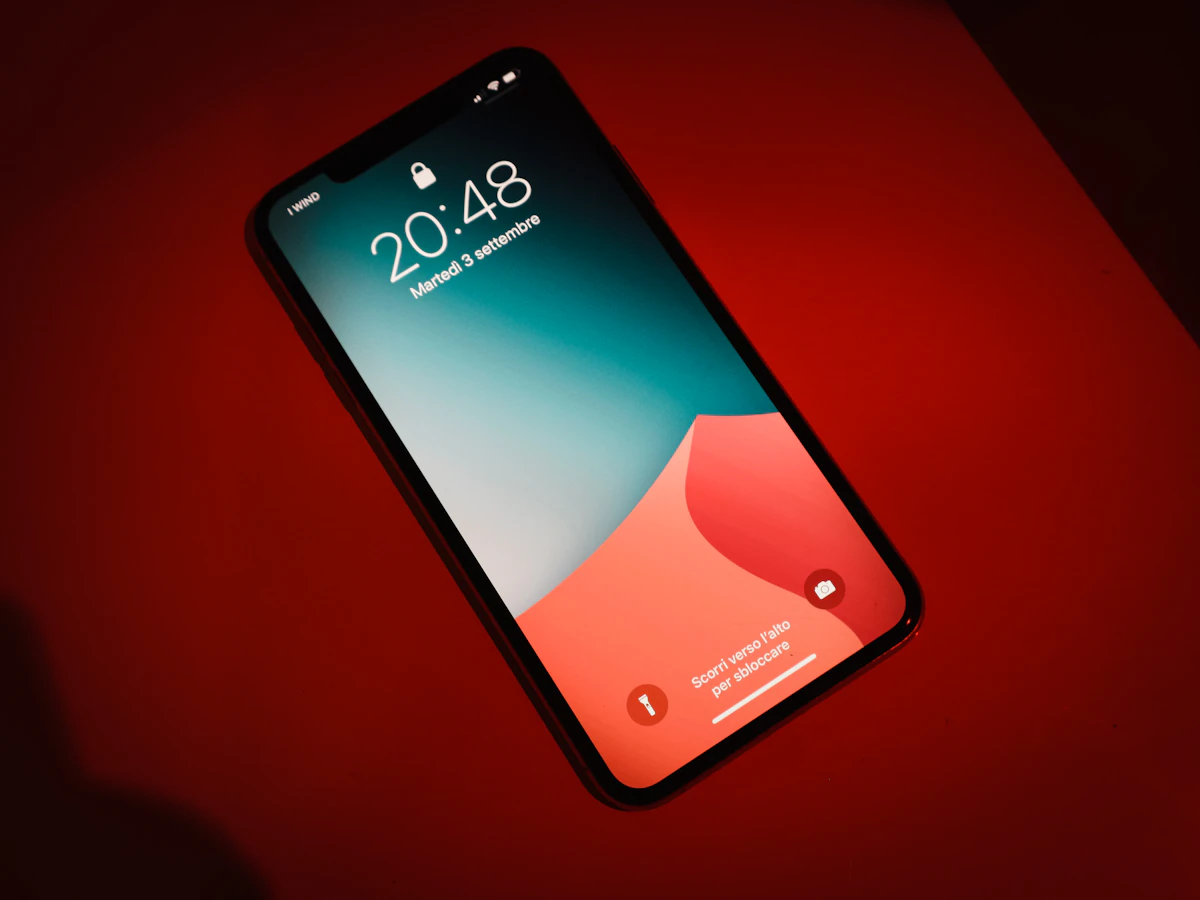
Modern smartphone being configured with smart accessories

Smart Gadget Setup Considerations

Good setup planning saves hours of frustration. Consider placement, network and accounts before you begin.

  1. Place routers and hubs centrally - walls, floors and metal objects weaken wireless signals.
  2. Set up one device at a time and test it before moving on to the next.
  3. Use a strong Wi-Fi password and put smart devices on a dedicated guest network when possible.
  4. Create the app account with a unique password and enable two-factor authentication.
  5. Keep a checklist of device names and locations so automations stay easy to understand.
Smartphone being charged on a modern charging surface

Charging & Power Accessory Considerations

Wattage, cable quality, wireless charging and safety basics for power accessories.

  1. Match the charger wattage to your device, especially for laptops and tablets that need more power.
  2. Choose certified cables and chargers that support the fast-charging standard your device uses.
  3. For wireless charging, check pad placement and whether your phone supports the charging speed offered.
  4. Buy a power bank with enough capacity and fast recharging to be useful while traveling.
  5. Avoid very cheap power accessories - slow or inconsistent charging is usually not worth the savings.

Need Guidance Before You Buy?

Tell us what you are considering and how you plan to use it. We are happy to share what to check.

Ask Before You Buy